- No viruses, no malware!
- The games on the igameclub.com website are sourced from the App Store and Google Play. No viruses, no malware, you can download them through the recommended download links.
- Photoshop Express Photo Editor
- photography 4.5
Additional Information
-
- Develope
- Adobe Inc.
-
- OS
- android
-
- Price
- Free
-
- Safe
- 100%
-
- Updated
- Sep 23, 2024
-
- Version
- 15.7.219



Introduction to - Fortnite
A powerful assistant for creative editing - "Photoshop Express Photo Editor"
In the era of digital photography, photos are not only a tool to record life, but also a way to express creativity and personality. "Photoshop Express Photo Editor" is a powerful tool that can help users easily edit and beautify photos. Whether it is a snapshot in daily life or a commemoration of a special moment, this app can make your work glow with new brilliance.
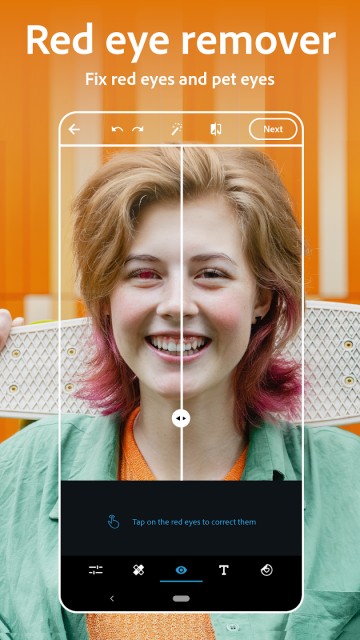
"Photoshop Express" is known for its user-friendly interface, which is easy to use even for beginners. The simple layout and clear icons make each function clear at a glance, and users can quickly find the tools and effects they need. Whether it is simple cropping and adjustment or in-depth use of various editing functions, the whole process is smooth and natural, making creation a pleasure.
The app provides a series of basic editing tools, users can crop photos, rotate photos, adjust brightness, contrast and saturation, etc. These basic functions allow users to quickly optimize photos and make them look more professional. Especially when adjusting exposure and shadows, the slider design of the application makes every detail modification precise and controllable, helping users achieve the desired visual effects.
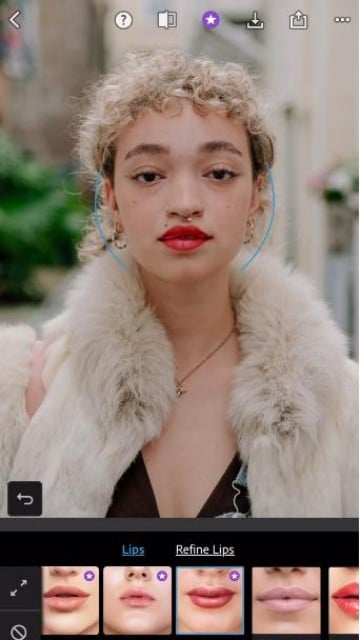
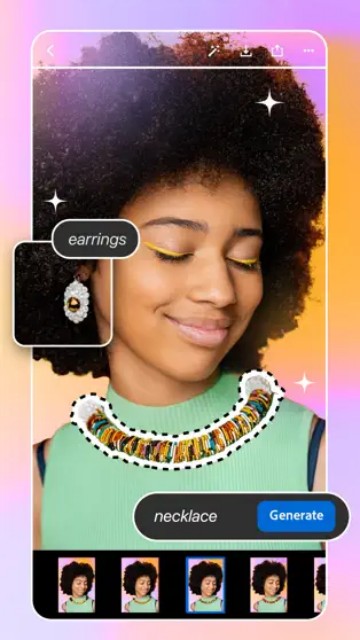
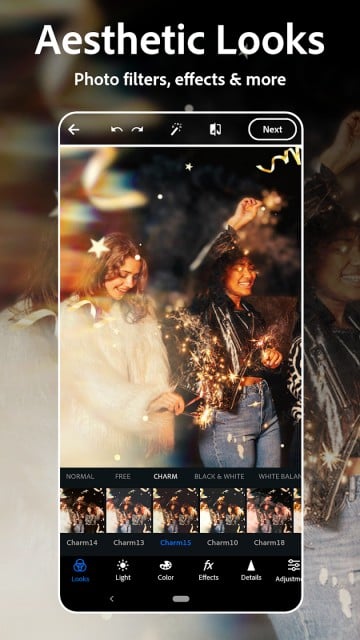
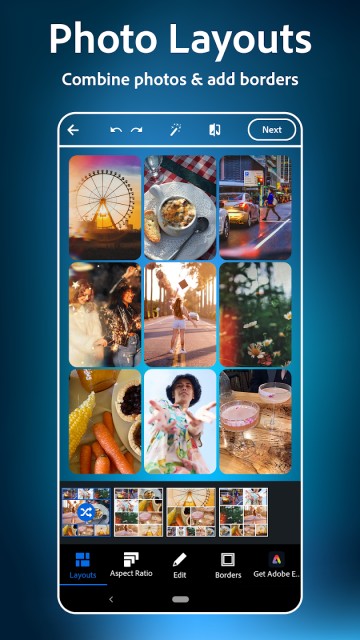
"Photoshop Express" includes a variety of high-quality filters and effects that can instantly change the style and atmosphere of photos. Users can easily apply different preset effects or customize adjustments based on their personal preferences. Whether you are pursuing a retro film effect or a fresh modern style, there is a suitable option here. The application's "Beautify" function can also make selfies more radiant and help users look their best.
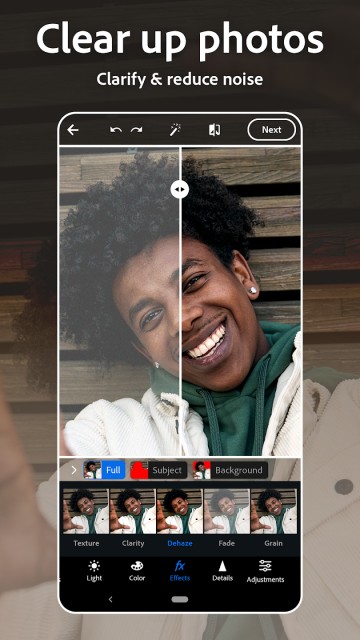
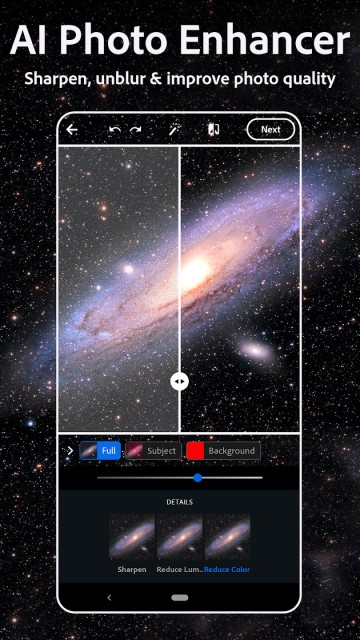
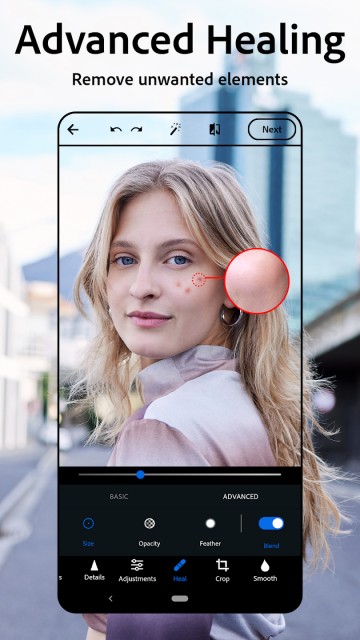
For more challenging editing needs, the application provides a series of advanced features. For example, the "Selective Adjustment" tool allows users to edit specific areas of the photo separately without affecting the overall effect. In addition, the application also supports "Dehaze" and "Reduced Noise" functions to help users deal with various problems encountered during the shooting process and improve the overall quality of the photo.
"Photoshop Express" allows users to add text and stickers to photos to further enhance the expressiveness of their works. Users can choose from a variety of fonts, colors and styles to make each photo convey a unique emotion and message. This feature is particularly suitable for creating images for social media, and users can easily create personalized content to share with friends.
Once the editing is completed, "Photoshop Express" provides convenient sharing options. Users can directly share the edited photos to social media platforms such as Instagram, Facebook and Twitter. This one-click sharing function allows the creation results to be quickly shared with friends and family, adding to the fun of creation.
The app supports importing and exporting multiple file formats, including JPEG and PNG. This means that users can easily work with photos from different sources, whether they are images obtained from cameras, mobile phones or other devices, they can be edited smoothly. In addition, users can choose different output qualities to meet the needs of printing or sharing online.
To help users better master the application functions, Photoshop Express provides a wealth of tutorials and tips. These resources not only cover basic editing knowledge, but also include some professional photography techniques and creative editing ideas to help users improve their editing skills and artistic vision.
In Photoshop Express, users can edit their photos with confidence, and the application fully respects their privacy. All edited and stored photos are saved on the user's device to ensure the safety of personal works. At the same time, users can also choose to save photos in the cloud for easy access and editing at any time.
Photoshop Express Photo Editor is a comprehensive and easy-to-use photo editing application suitable for all kinds of users. Whether you want to beautify quickly or go deep into creation, this application can provide powerful support. With Photoshop Express, let every photo show your creativity and personality and start your own visual story.